-
1. Getting Started
Go to the DUC game lobby by signing into DoubleUCasino.com. Once you're there, click on the "BUY" button on the top menu bar to access the DUC Store.


-
2. DUC Store
The DUC Store offers a wide variety of exciting deals and packages that come with added perks, such as the "20% More Chips" Bonus.
If you're shopping on a mobile device, make sure you have the "Pay With DUC: 20% More Chips" button toggled ON to enjoy the bonus!
See something you like? Then click the price tag to proceed to checkout!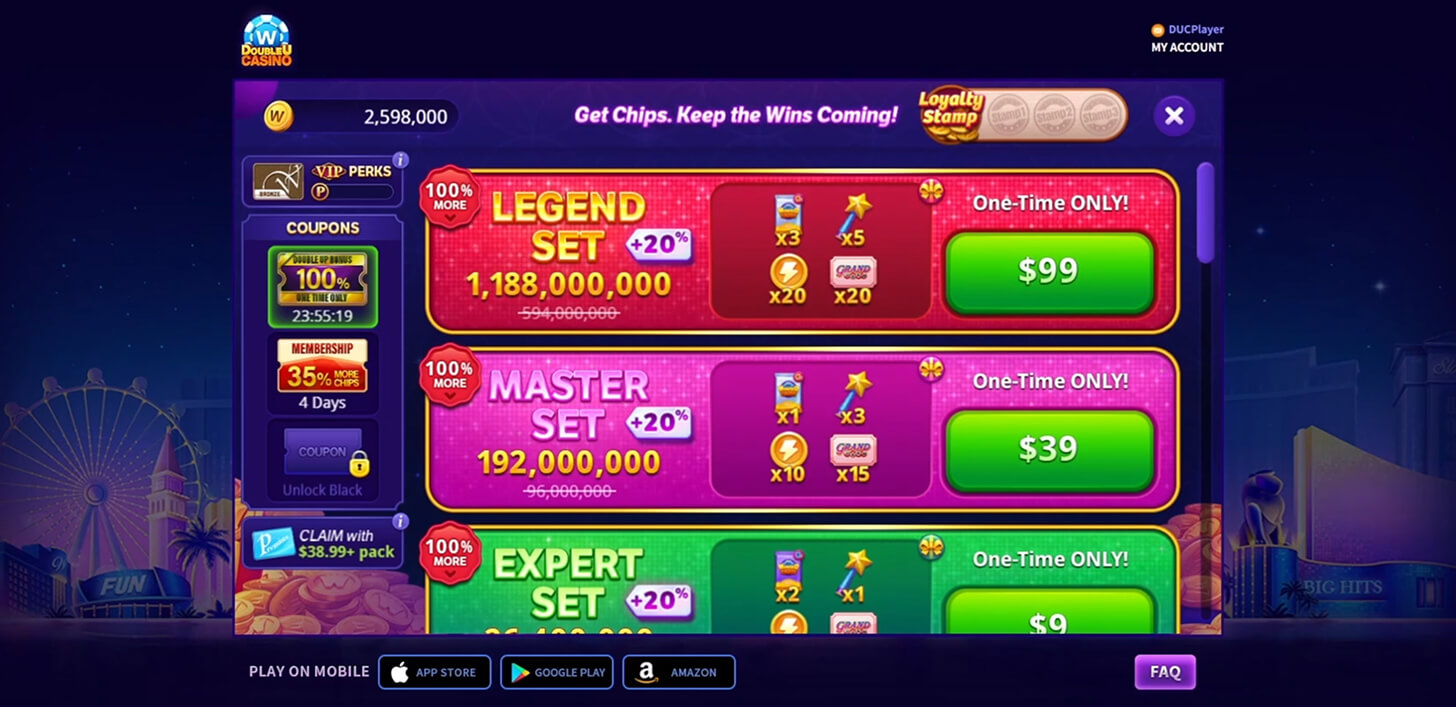



-
3. Checkout
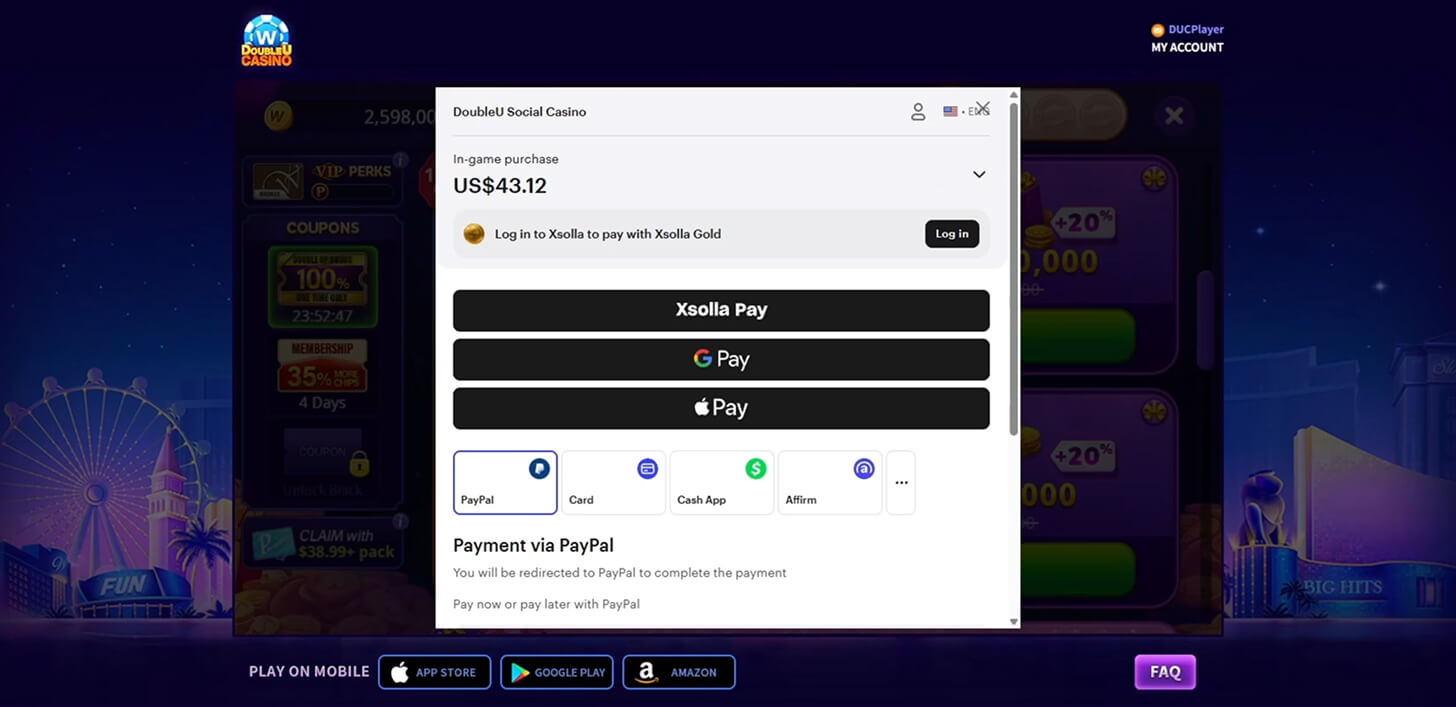
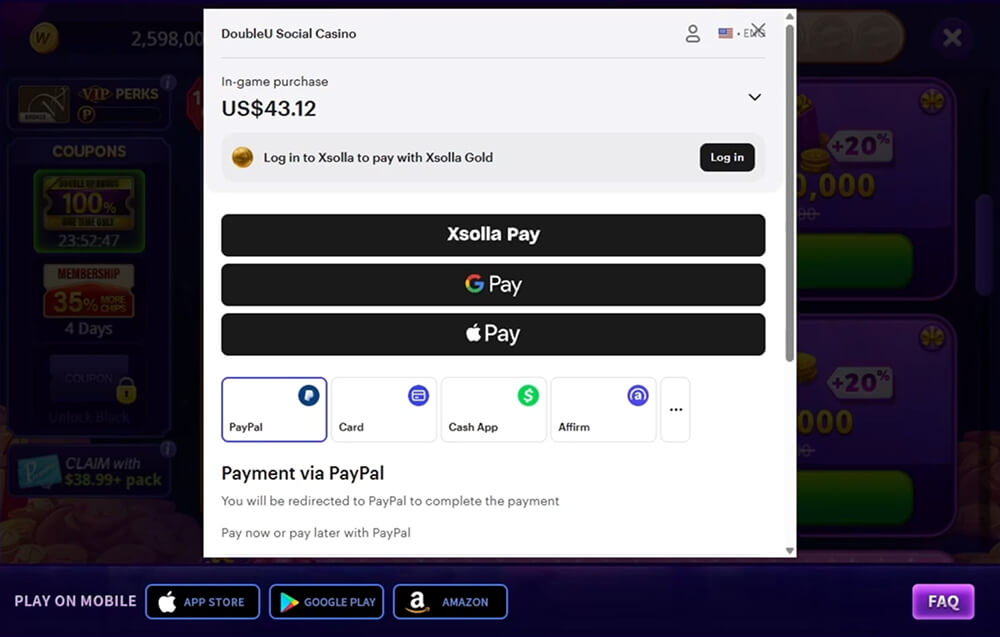
Proceeding to checkout will redirect you to an Xsolla pay station, a third-party platform that safely handles all transactions. Here, you can choose from a wide range of payment options.
-
4. Payment Options
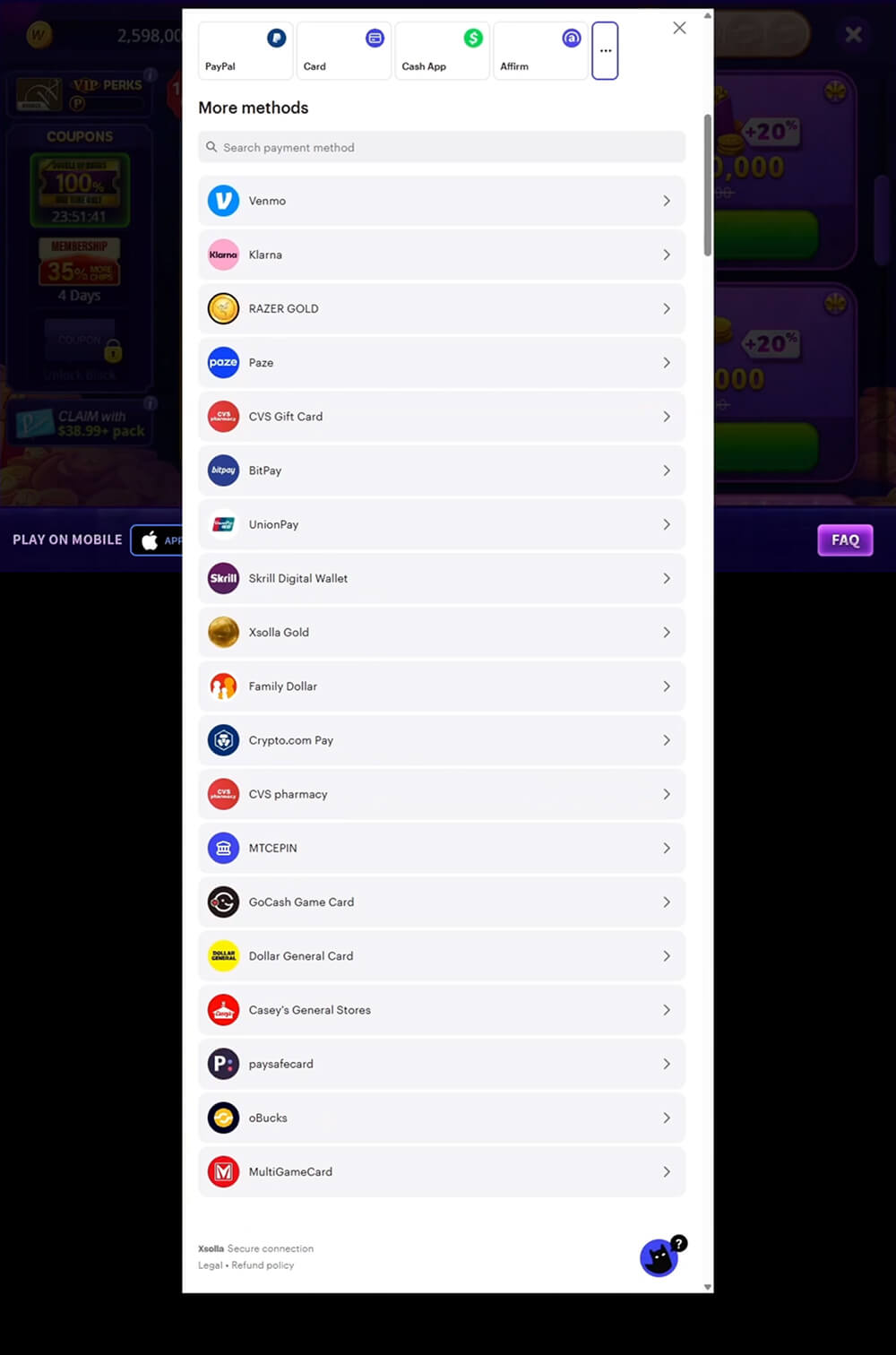
On Xsolla, your credit card isn't the only way to pay! But please note that other payment options may vary by country or region.
Select your preferred method to proceed!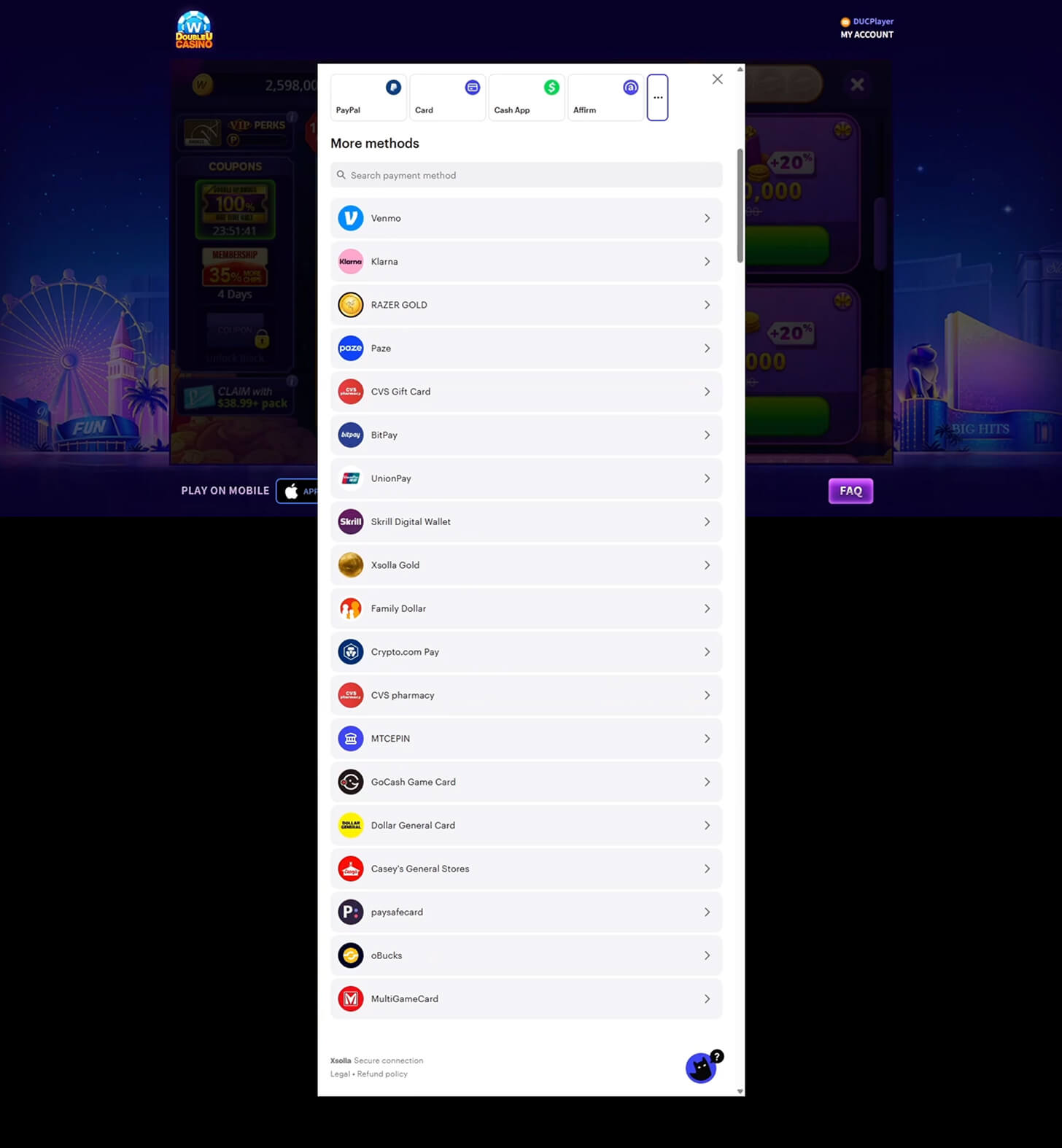
-
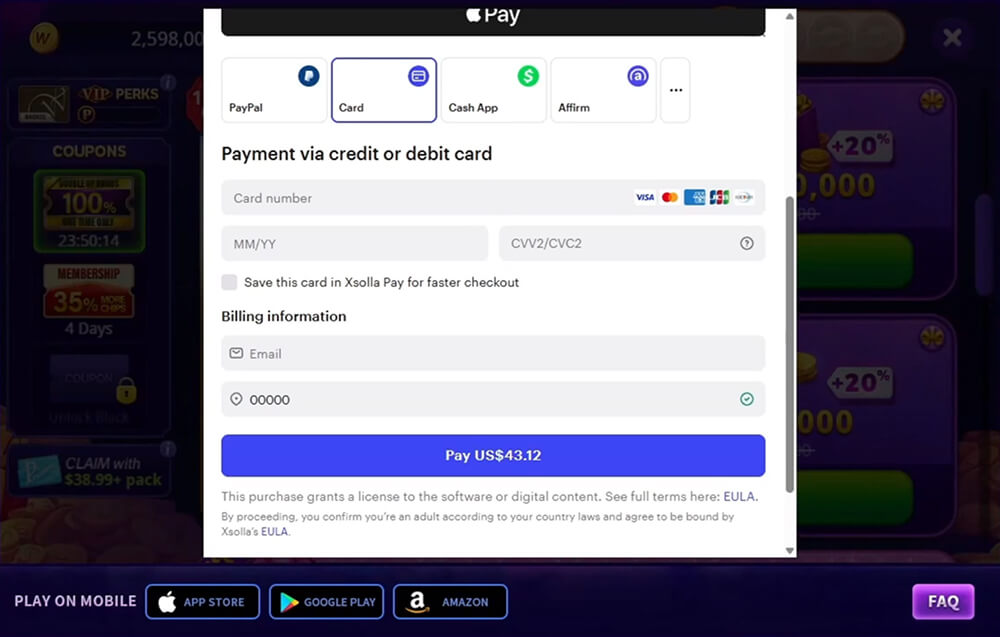
5. Using a Credit Card
To pay with a credit card, you must correctly provide your card number, expiration date, and CVC (Card Verification Code). Also, you will be required to provide an email address for billing.
Once everything's filled out, click on the "Pay" button to complete the transaction!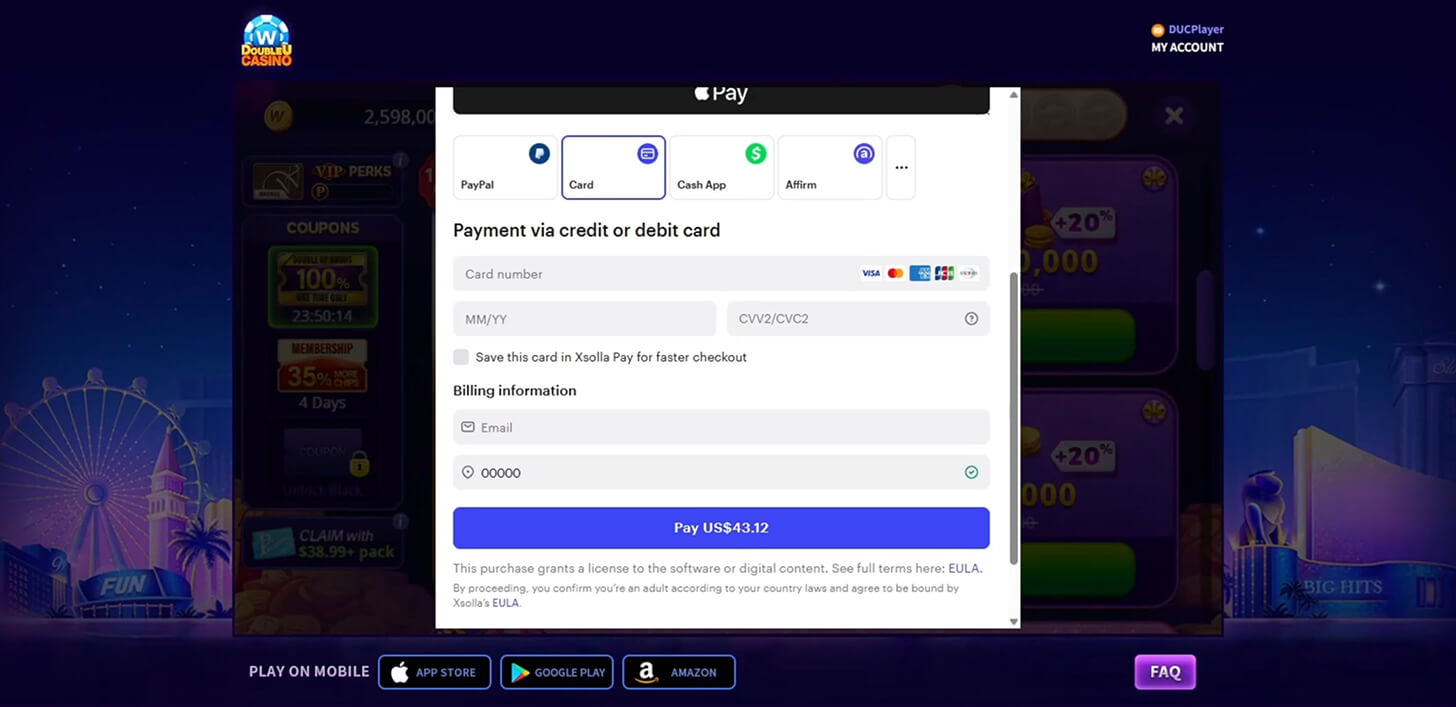
-
6. Final Steps
Once you make your purchase, you will be notified with a message that says "Payment successful", after which you will be redirected to the game lobby. This may take some time, so please be patient!


-
7. Enjoy!
Once you're back in the game lobby, your purchased items will be available for in-game use. You will be notified of this through a pop-up message. You can check your Chips count on the top corner of the screen to ensure all purchases were deposited properly. Happy spinning!


-
8. Customer Support
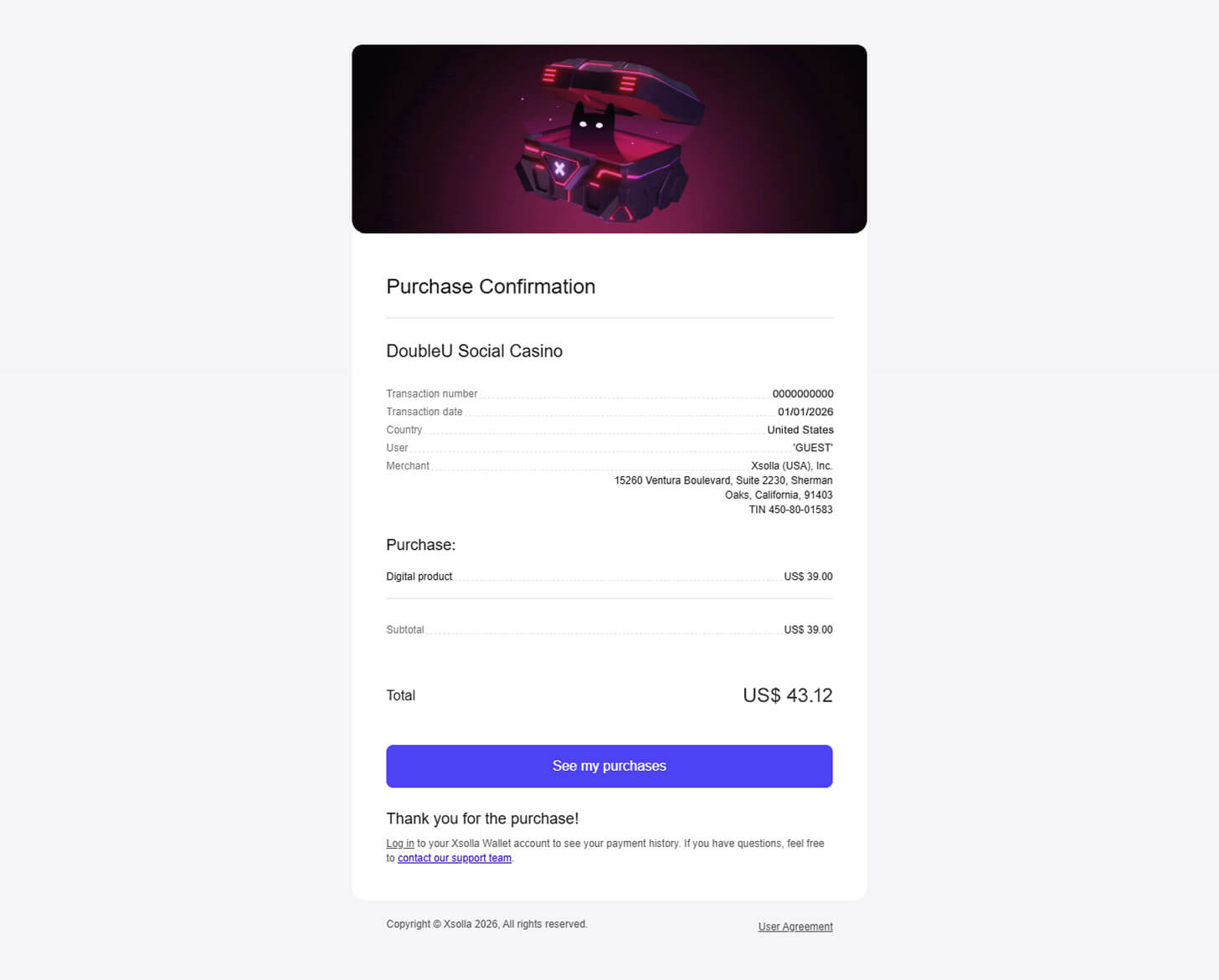
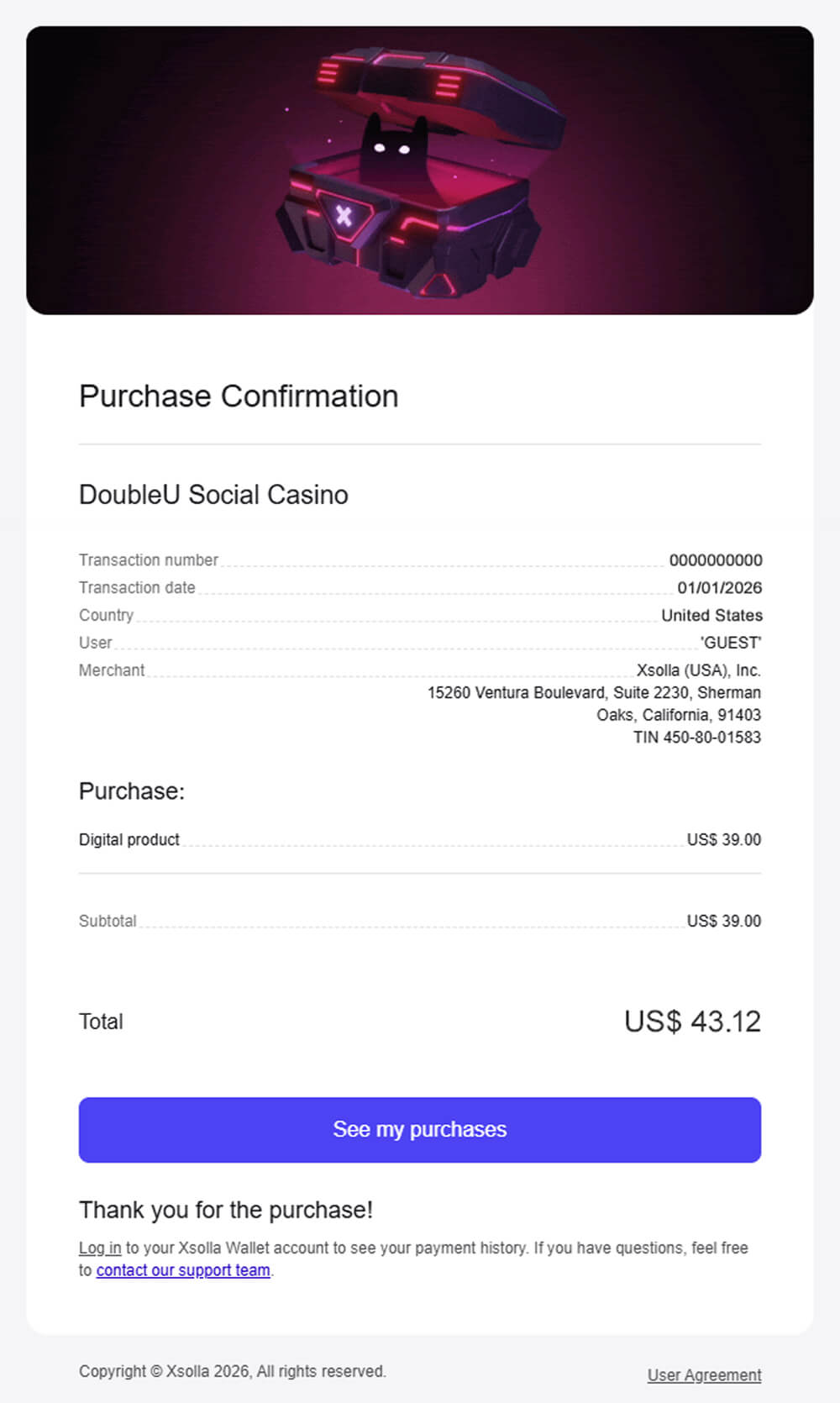
Once your purchase is complete, your Xsolla receipt will be sent to the billing email address you provided.
If you have any concerns or difficulties with using Xsolla, please contact the DoubleU Casino Help Center right away and include a screenshot of your receipt. We will do our best to address your issue as soon as possible. Thank you!